First Bönpo Shen Calendar App!
After many months of hard work, now as Zhang Zhung Losar approaches, we are delighted to share with you the first ever Shen Calendar App! This app for the Male Fire Horse Year is Tibetan-English bilingual and has worldwide access.
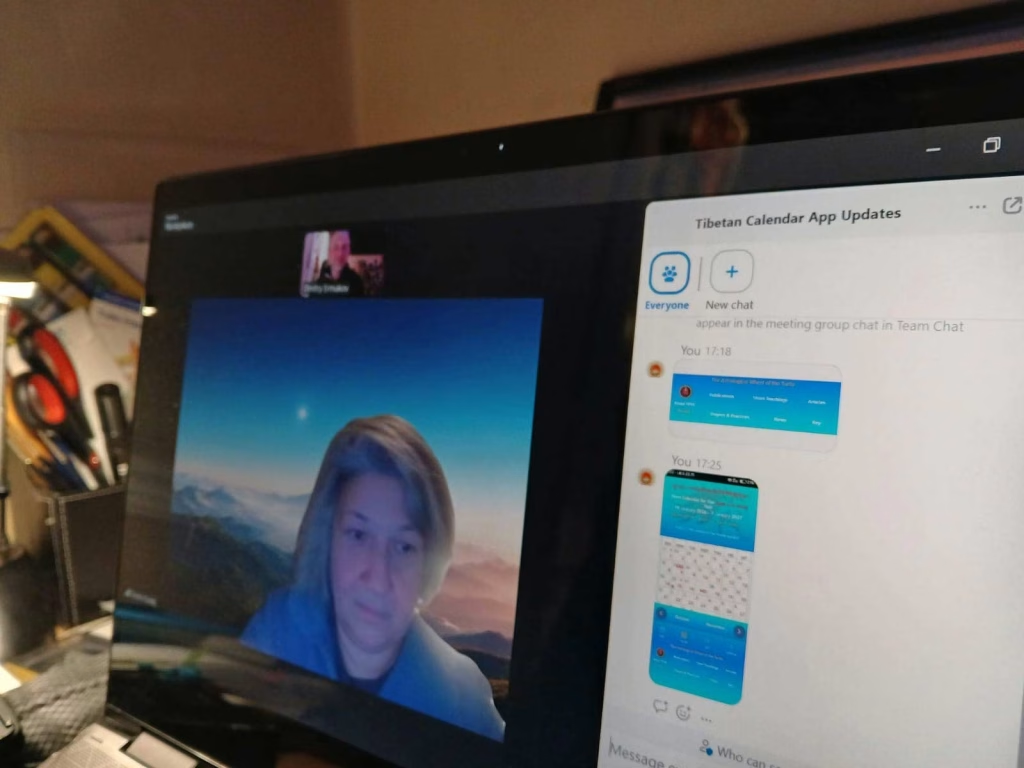
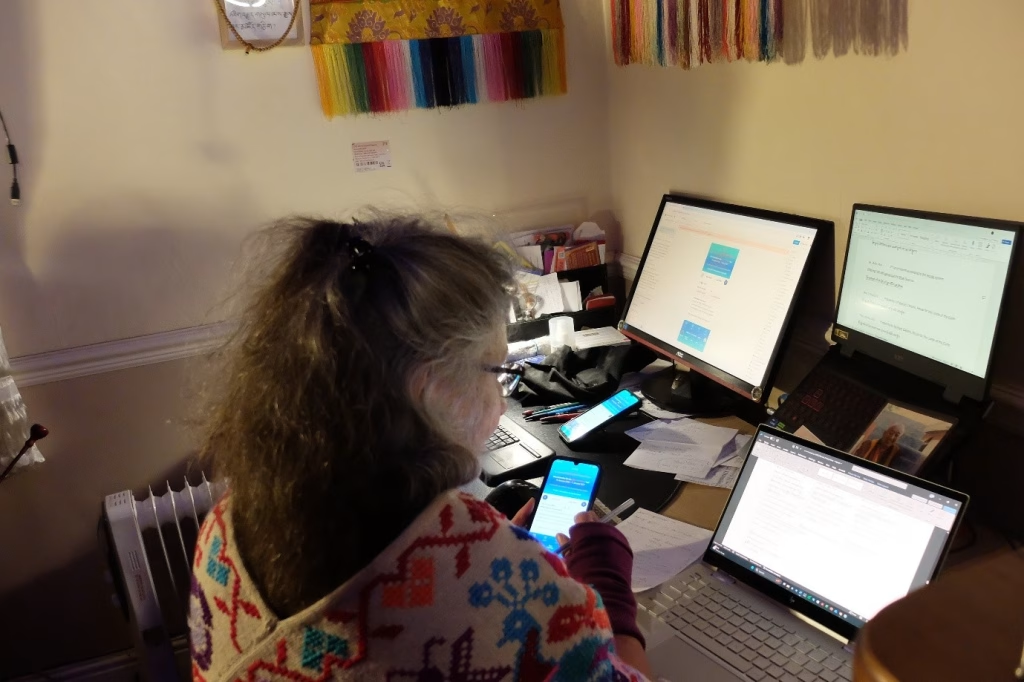
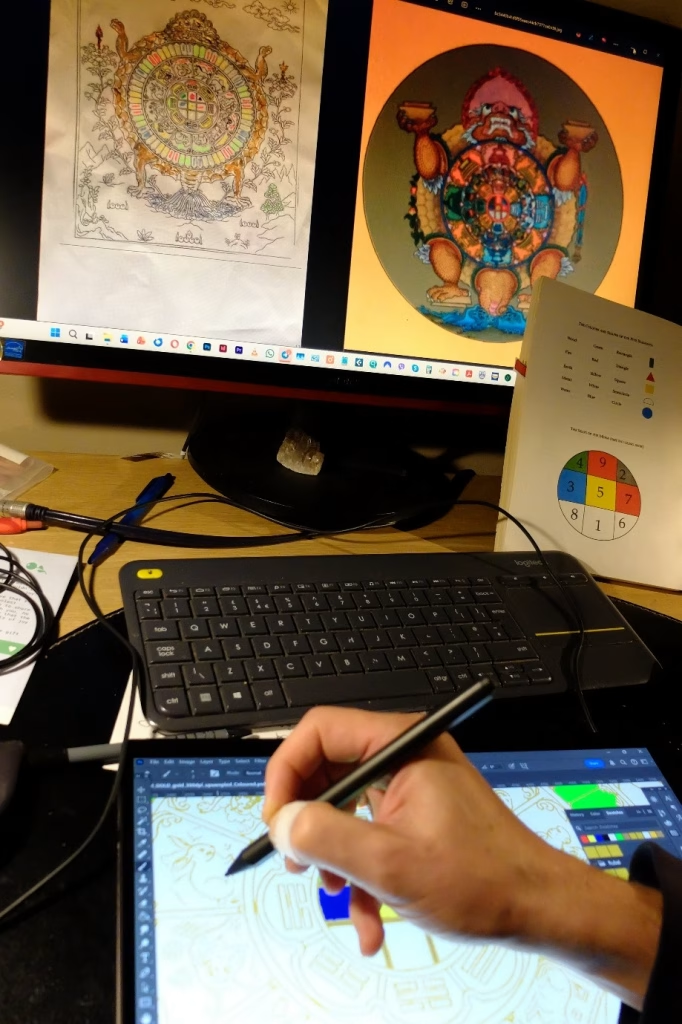
The astrological calculations were made by Drubdra Khenpo Tsultrim Tenzin of Triten Norbutse Monastery, the English translations were done by Carol Ermakova and Dmitry Ermakov, the coding for the app is thanks to Zeyno Aygen Dodd, while all artwork, app design etc. is Dmitry’s handiwork.
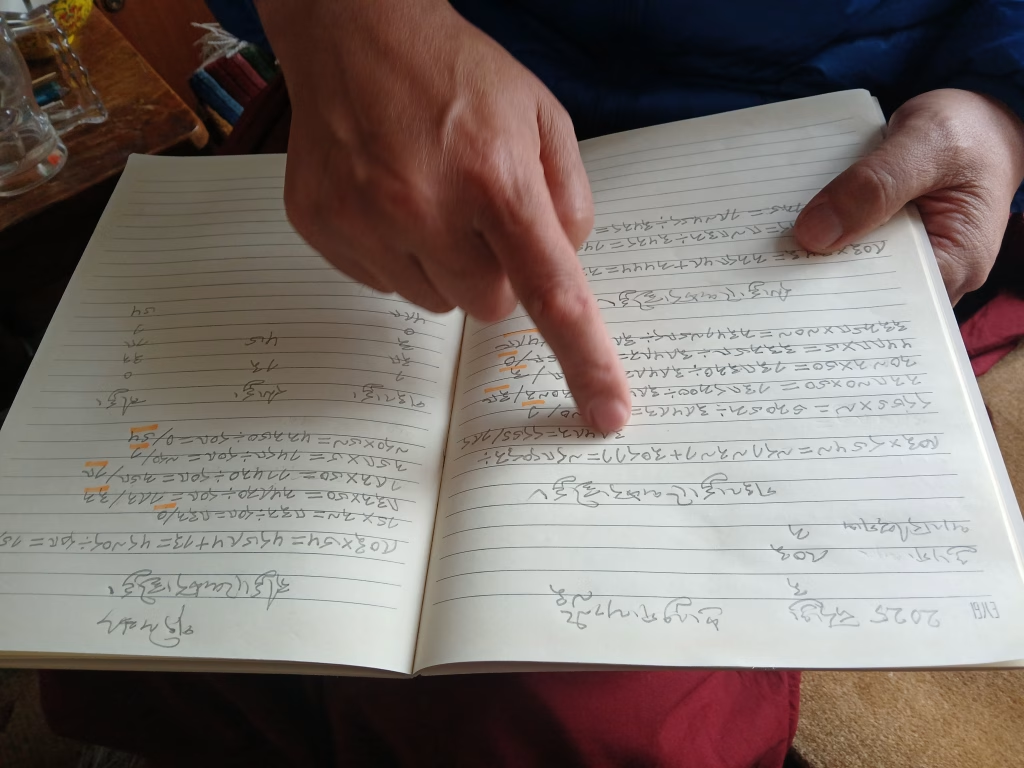
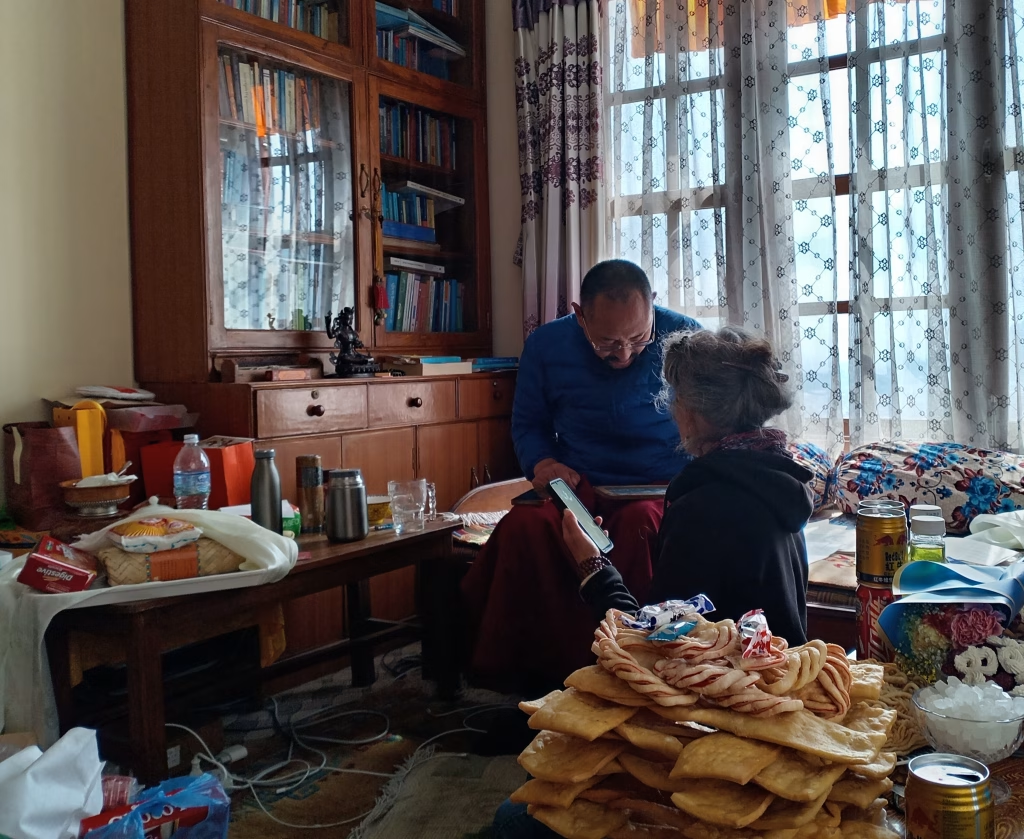
Drubdra Khenpo explaining his astrological calculations. Triten Norbutse Monastery, Kathmandu, Nepal, February 2025.
Aside from the compiling the data, it has taken months of fine tuning to complete this app, so we really hope you enjoy using it, and look forward to your feedback.
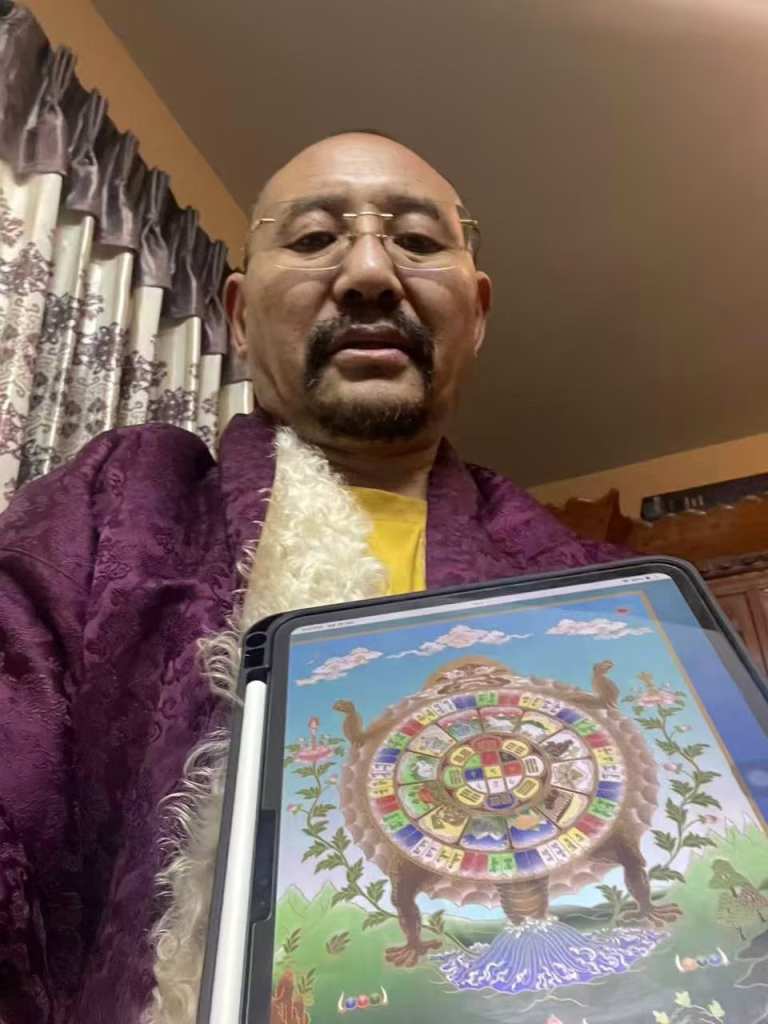
Drubdra Khenpo Tsultrim Tenzin with the Shen Calendar app freshly installed on his iPad.
A Message from Drubdra Khenpo about the First Bilingual Shen Astrological Calendar
This Shen Calendar for the Male Fire Horse Year was calculated and composed by myself, Gomdra Khenpo Tsultrim Tenzin, according to the pure and special Shen astrological calculation system. Tibetan calendars tend to be very elaborate, but most aspects listed in these daily calendars are not actually applied so much. This is because, since not many people know how to consult such a calendar in the correct way, those elaborate details are not useful for them. Here, then, I present a daily calendar which people can actually use every day. I have omitted less useful details, thereby making this calendar accessible and handy for both ordinary and knowledgeable people alike. Combinations of the elements on any given day can be favourable in the morning but change to unfavourable later on; there can be many changes, and these are clearly noted in the calendar according to the Western 24-hour clock. Conjunctions between major constellations and stars are explained in The Precious Vase with Nectar of Astrological Calculations as follows: “Even if each planet and star is favourable on its own, their encounters may bring about negative results. Therefore, it is of utmost importance to consider the conjunctions of planets and stars;” so it is said. Furthermore, I have also included favourable and unfavourable days for offerings to the Lu water-spirits etc. as well as solar and lunar eclipses, the Karma Rishi constellation which is auspicious for bathing, and the Summer and Winter Solstices. So, in short, the Shen Calendar for the Male Fire Horse Year is a convenient bilingual Tibetan-English calendar according to the Shen astrological system which also includes major festivals and celebrations of Yungdrung Bön.
My sincere thanks go to the couple from England, Carol and Dima, both of whom helped to translate, check and proofread the English text.
Writing completed on the evening of the 6th June, 2025.
འབྱུང་ལྡན་༣༠༡མེ་ཕོ་རྟ་ལོའི་ཞང་བོད་ལོ་ཐོ་གཤེན་གྱི་འོད་སྣང་ཞེས་པ་འདི་བལ་ཡུལ་ཁྲི་བརྟན་ནོར་བུ་རྩེའི་སྒོམ་གྲྭའི་མཁན་མིང་འཛིན་པ་ཚུལ་ཁྲིམས་བསྟན་འཛིན་བདག་གིས་གཤེན་གྱི་རྩིས་གསར་རྣམ་དག་གཞིར་བཞག་བྱས་ནས་རྩོམ་པ་དང་། སྤྱིར་བོད་པའི་ལོ་ཐོ་རྩོམ་སྟངས་ཧ་ཅང་རྒྱས་དྲག་པ་དང་། དེར་ཉིན་རེའི་ཚེས་རྩིས་ནང་དུ་བཀོད་པའི་གནད་དོན་ཕལ་ཆེར་བེད་སྤྱོད་དེ་ཙམ་མེད་བསྡད་པའི་བཟོ་འདྲ་བོ་ཆགས་པ་མ་ཟད། ལོ་ཐོ་ཚུལ་བཞིན་ལྟ་ཤེས་མཁན་ཡང་ཉུང་ངུ་ཙམ་ལས་མི་ཕལ་ཆེར་གྱིས་ལྟ་སྟངས་ཀྱང་ཤེས་ཀྱི་མེད། དེར་བརྟེན་འདིར་ཉིན་རེའི་ཚེས་རྩིས་དང་། ནམ་རྒྱུན་མི་དམངས་འཚོ་བའི་ནང་དུ་ལན་ལེན་བེད་སྤྱོད་དགོས་གལ་ཆེ་བ་རྣམས་ལས་བེད་སྤྱོད་དེ་ཙམ་མེད་པ་རྣམས་དོར་ནས་མཁས་བླུན་སུས་བེད་སྤྱོད་བྱས་ཀྱང་བྱེད་ཐུབ་པ་དང་ལག་ལེན་སྟབས་བདེ་བ་བྱས་ཡོད་པ་མ་ཟད། ཉིན་རེའི་འབྱུང་འཕྲོད་རྣམས་སྔ་དྲོ་བཟང་ཡང་ཕྱི་དྲོར་ངན་པ་སོགས་འགྱུར་ལྡོག་སྣ་ཚོགས་སུ་འགྲོ་སྲིད་པས་དེ་དག་དེང་དུས་འཁོར་ལོའི་ཆུ་ཚོད་དང་བསྟུན་ནས་གསལ་བར་བཀོད་ཡོད། འཕྲོད་སྦྱོར་གཙོ་ཆེ་བའི་ཚུལ་ནི། འབྲས་རྩིས་བདུད་རྩིའི་བུམ་བཟང་ལས། གཟའ་སྐར་སོ་སོར་བཟང་ན་ཡང་། འཕྲོད་ངན་དེ་ཡི་འབྲས་བུ་འགྱུར། དེ་ཕྱིར་འཕྲོད་སྦྱོར་གཙོ་རུ་བཟུང་། ཞེས་གསུང་པས་སོ། ད་དུང་ཀླུ་ཐེབས་ལྡོག་བ་དན་སོགས་དང་། ཉི་ཟླ་གཟའ་འཛིན་སྐར་མ་རྀ་ཥི་ལྡོག་གཉིས་དང་མཉམ་གཉིས། གལ་ཆེའི་དུས་ཆེན་སོགས་བཀོད་དེ་གཤེན་གྱི་ལོ་ཐོ་སྟབས་བདེ་ཞིག་དབྱིན་བོད་ཤན་སྦྱར་བྱས་ཏེ་བྲིས་ཡོད་པའི་ཁུལ་ཡིན། དབྱིན་ཡིག་ཞུ་དག་བྱེད་པ་པོ་དབྱིན་ཇི་བ་ཀ་རོལ་དང་ཌི་མ་གཟའ་ཚང་གཉིས་ཡིན་པས་ཁོ་བོས་ཁྱེད་རྣམ་གཉིས་ལ་སྙིང་ནས་ཐུགས་རྗེ་ཆེ་ཞུ། ༠༦་༠༦་༢༠༢༥ ཉིན་མཇུག་རྫོགས་པར་བྲིས་སོ།།
Key Features
The data here was calculated using the Shen (གཤེན་) astrological system, unique to the ancient Bönpo tradition. The app offers a day view, a list view and a month view. The day view shows detailed astrological information for that specific day, and you can use the arrows to see the previous or next day. Information includes:
- The Gregorian date and Tibetan lunar day.
- Festival Days marked in accordance with the annual calendar of practices followed by Triten Norbutse Monastery, Kathmandu.
- New Moon or Full Moon.
- The minor combination (འཕྲོད་སྦྱར་), whether it is auspicious or inauspicious, as well as more detailed characteristics. The minor combination is the meeting of the planet of the day and the constellation of the day and their respective elements.
- Constellation number. In Tibetan, constellations have names but to render the calendar easier to use, we use numbers here. Depending on one’s year of birth, specific days of the week and constellations may be positive or negative.
- Time at which the constellations and/or minor combinations change. Due to the special nature of Shen astrology, all constellation changes are according to the local time, wherever you are in the world.
- Particular favourable/unfavourable actions for the specific day.
- Lu-days that are auspicious for make offerings to the naga water-spirits.
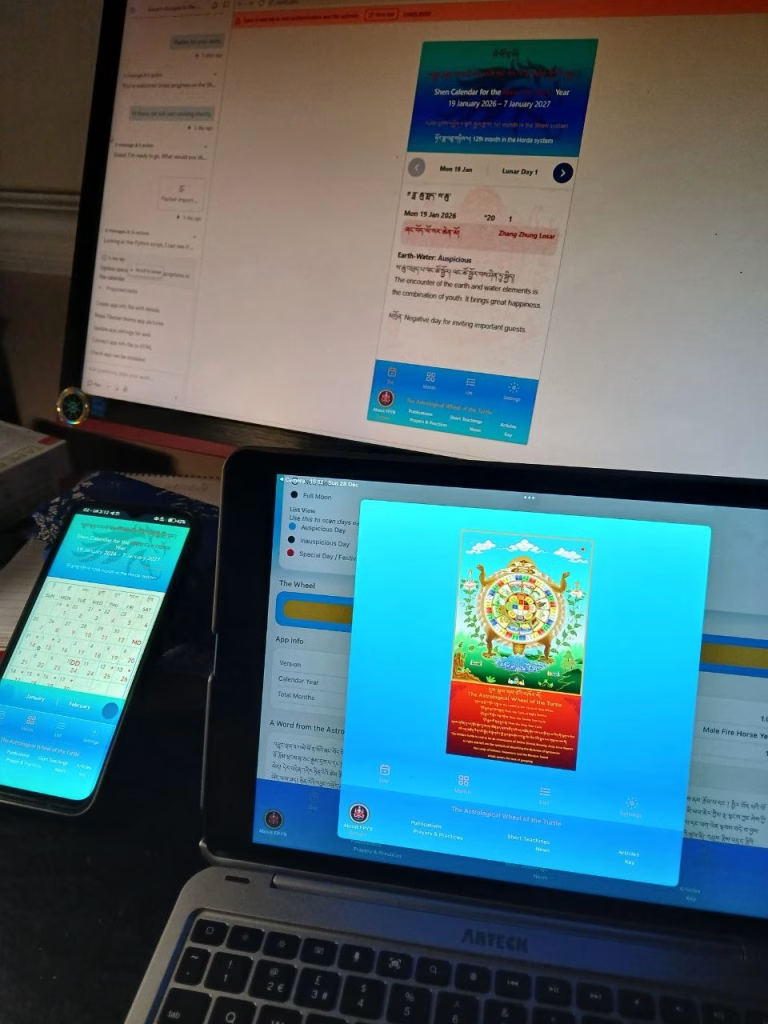
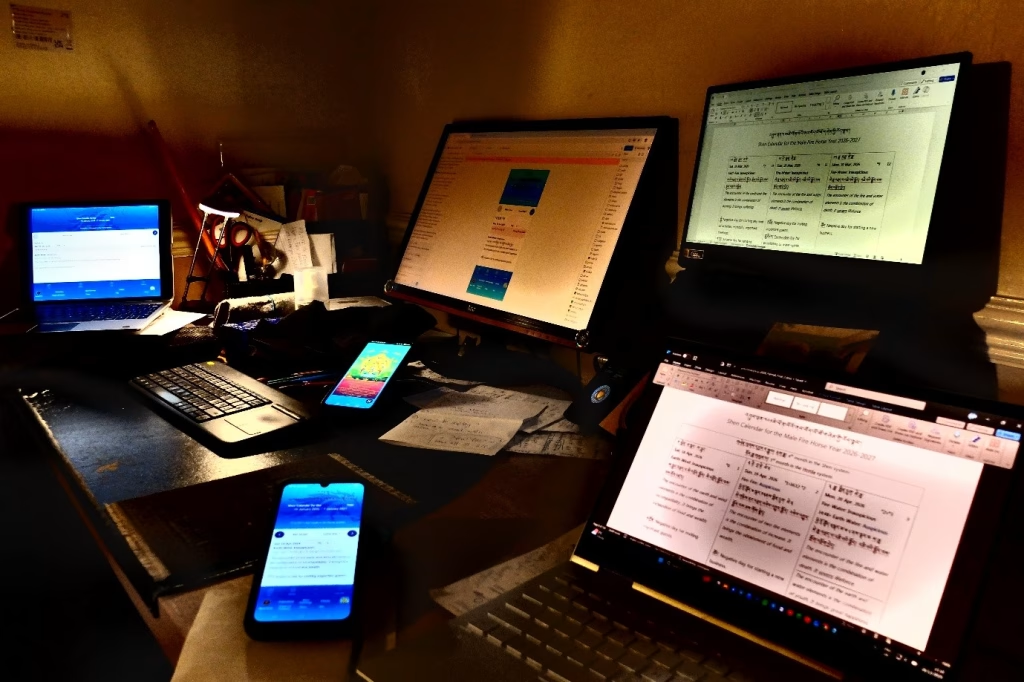
The Shen Calendar app opened on Windows PC (Chrome), Android smartphone (Chrome) & iPad (Safari).
The list view lets us navigate up and down easily, while the month view (based on the Shen lunar month) gives a clear overview. Special Festival Days and other information is easily visible on both these views. Use the icons in the footer bar to move between views.

Additional Information/Buttons
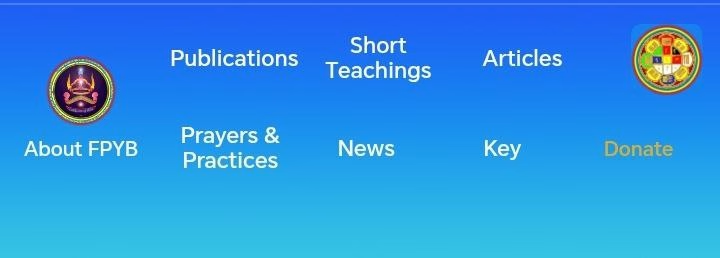
Tabs and links at the bottom bring you to the Calendar Key, the Astrological Kabtse Diagram, and various FPYB pages.
Clicking Key will open the Shen Calendar Key page which explains symbols used and has additional tables showing:
- favourable and unfavourable stars (constellations) for each year sign.
- positive and negative days of the week for each year sign.
- the Annual Festivals and Celebrations held at Triten Norbutse Monastery, Kathmandu.
How to install Shen Calendar App
The Shen Calendar will automatically run in a browser window on your PC, tablet or phone when opened from the Shen Astrological Calendar page on our FPYB website. You can also install it on your Windows, iOS or Android device as a stand-alone app. Follow the instructions in Features in the app itself or on How to install Shen Calendar App page.
Ancient and Modern
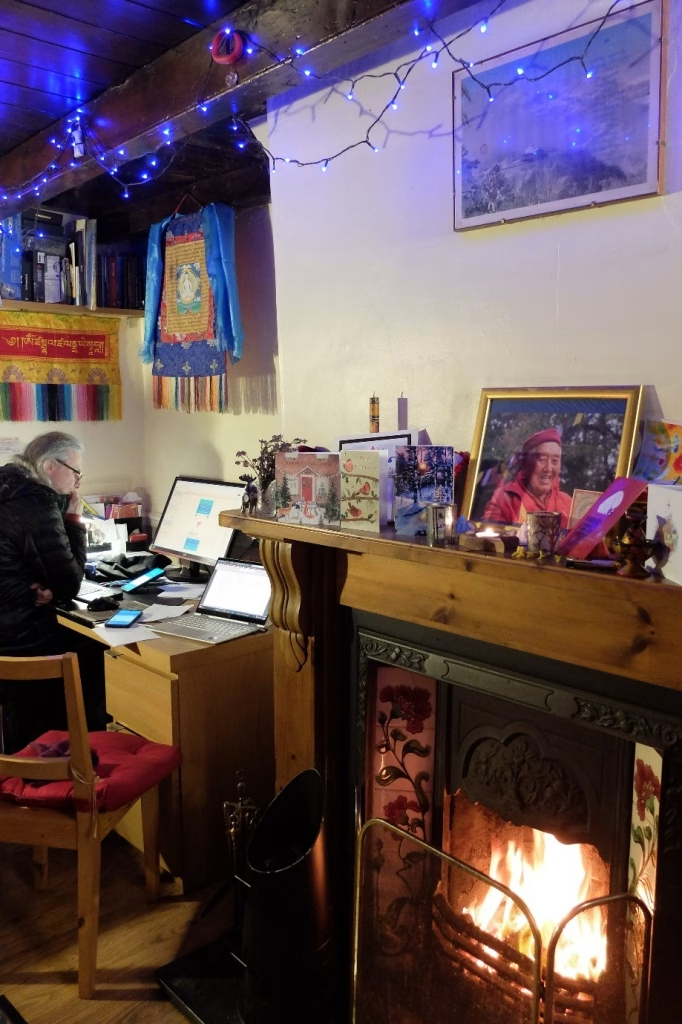
Drubdra Khenpo used an old-fashioned chalk board for his equations, but also an iPhone, which somehow encapsulates the synchronicity of bringing this ancient Shen wisdom into our modern age. Furthermore, Khenpo gave us clear instructions about how to publish this unique bilingual calendar: keep the project secret, then publish it free, as an app. This combination has proved a real challenge for us – secrecy precluded fundraising or sponsorship, gratis precludes recouping production and running costs, and an app, well, we have never done that before so it has been an extremely steep learning curve!!
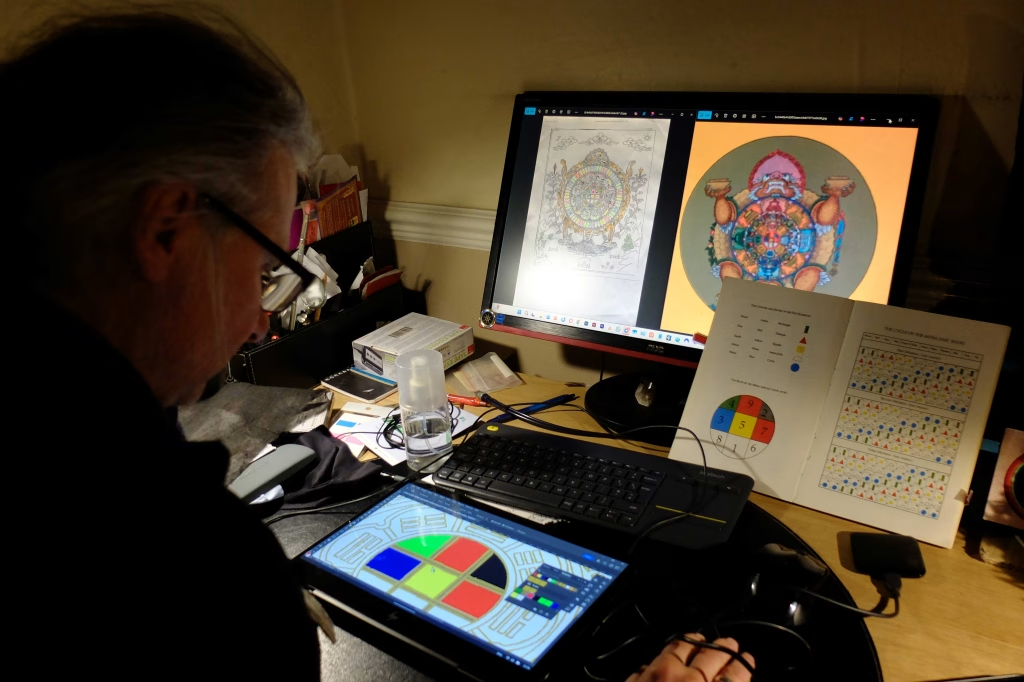
It is our sincere hope and wish that this Shen Calendar of the Male Fire Horse Year will be of benefit to many people all over the world. Happy Zhang Zhung New Year!
4 Responses
Where can i download the YB calendar? Many tks
Open @ https://yungdrungbon.co.uk/shen-calendar/ and follow installation instructions for your device @ https://yungdrungbon.co.uk/calendar-app-install-instructions/
Hello, when i open in chrome this link to the calendar there isn’t a install button on the bottom, and i don’t see the three dots in the top right. Is there any other link or way to download the app? Many thanks : )
If you are opening on PC there is an icon on the right of the search bar just before bookmark star which looks like a a computer monitor with an arrow pointing down. Press that and installation will begin. If you are opening in Chrome on Android smartphone, there are three dots in the top right corner. Clicking that will give menu with several options, including Add to Screen, or it will offer install option automatically.